@qfrmbot Telegram Bot

Quick Form - Form Constructor — Telegram Bot {{ $bot->code }}
Pindai untuk membuka
Quick Form - Form Constructor — Telegram Bot {{ $bot->code }}
Alamat bot: @qfrmbot
Kategori: Analitik , Pembangun
Deskripsi dari Bot

Создавайте профессиональные формы, опросы и квизы прямо в Telegram. Удобный конструктор, шаблоны, статистика и мгновенные уведомления
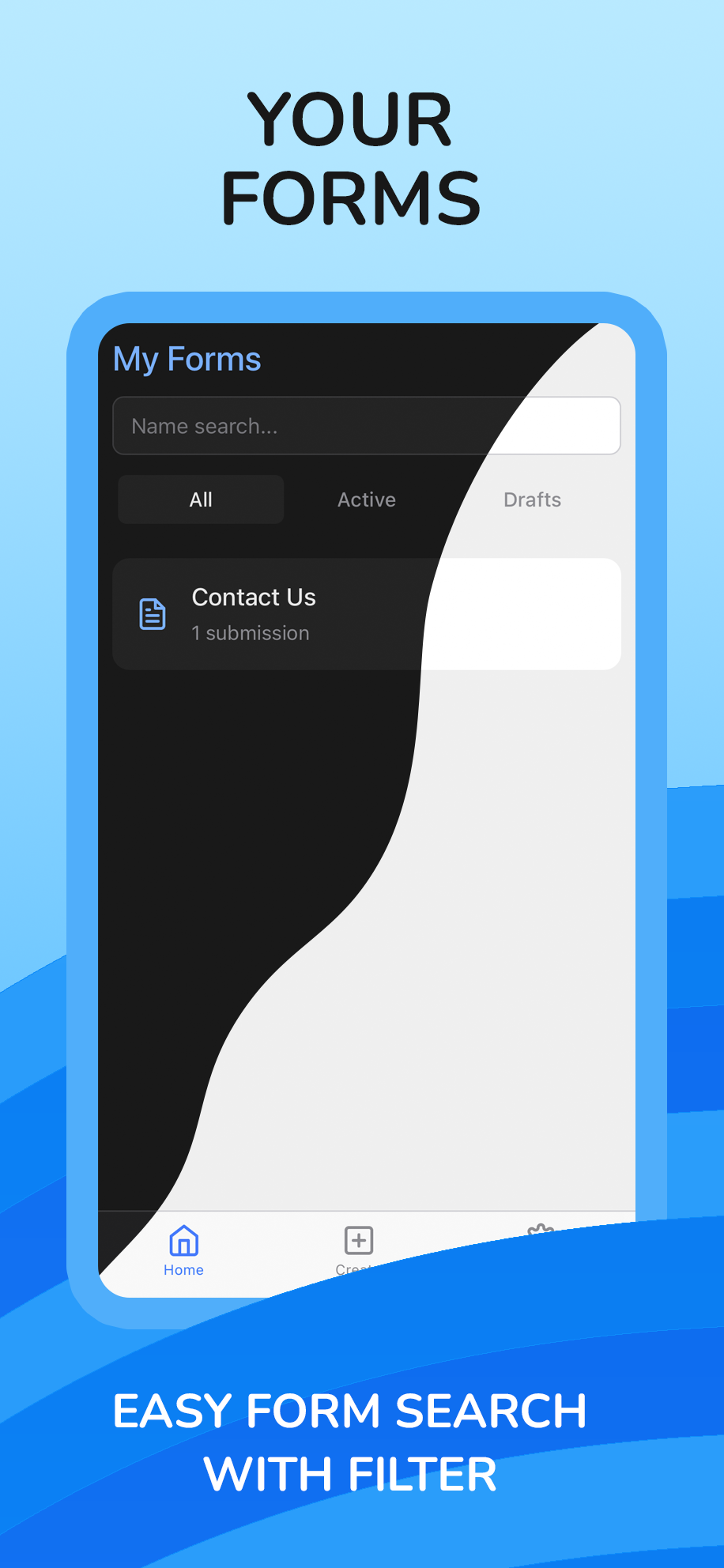
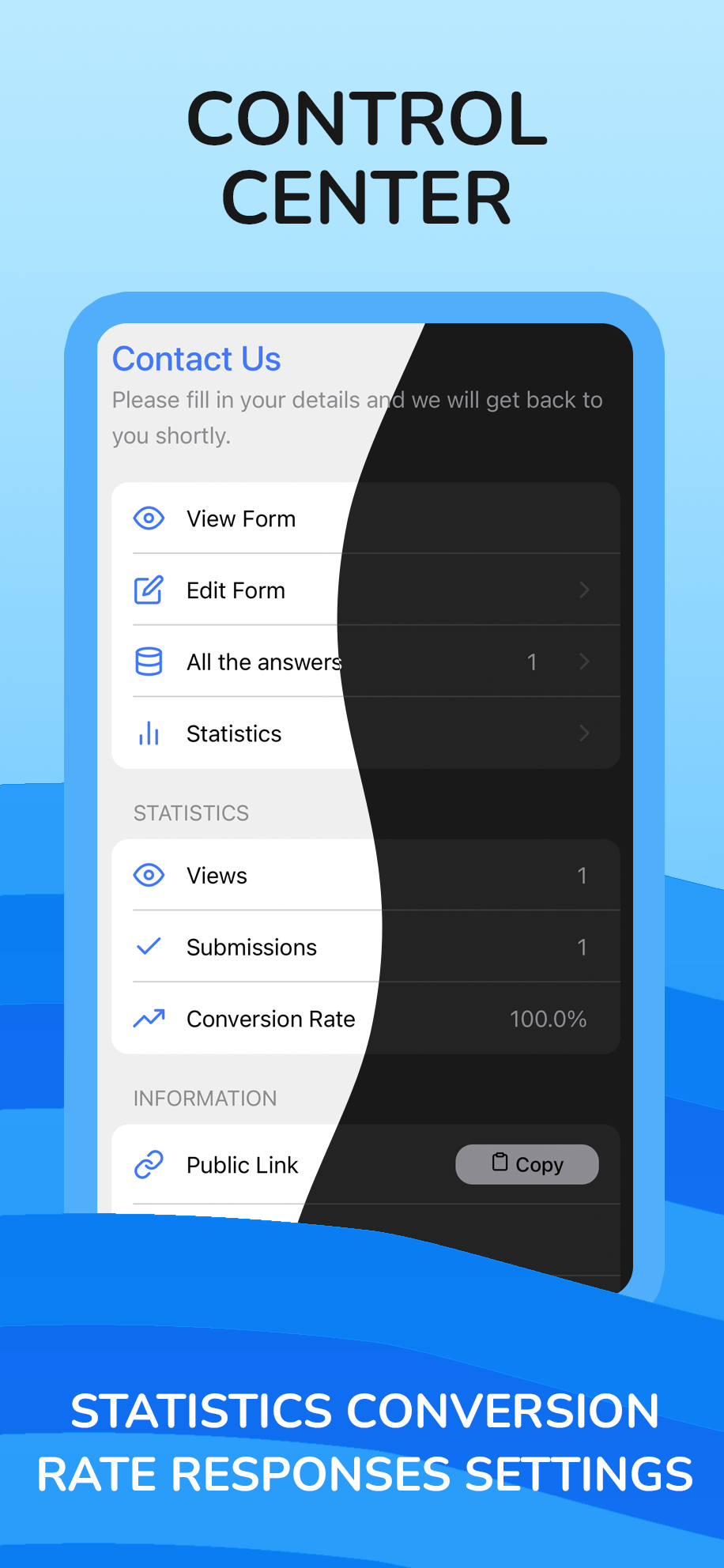
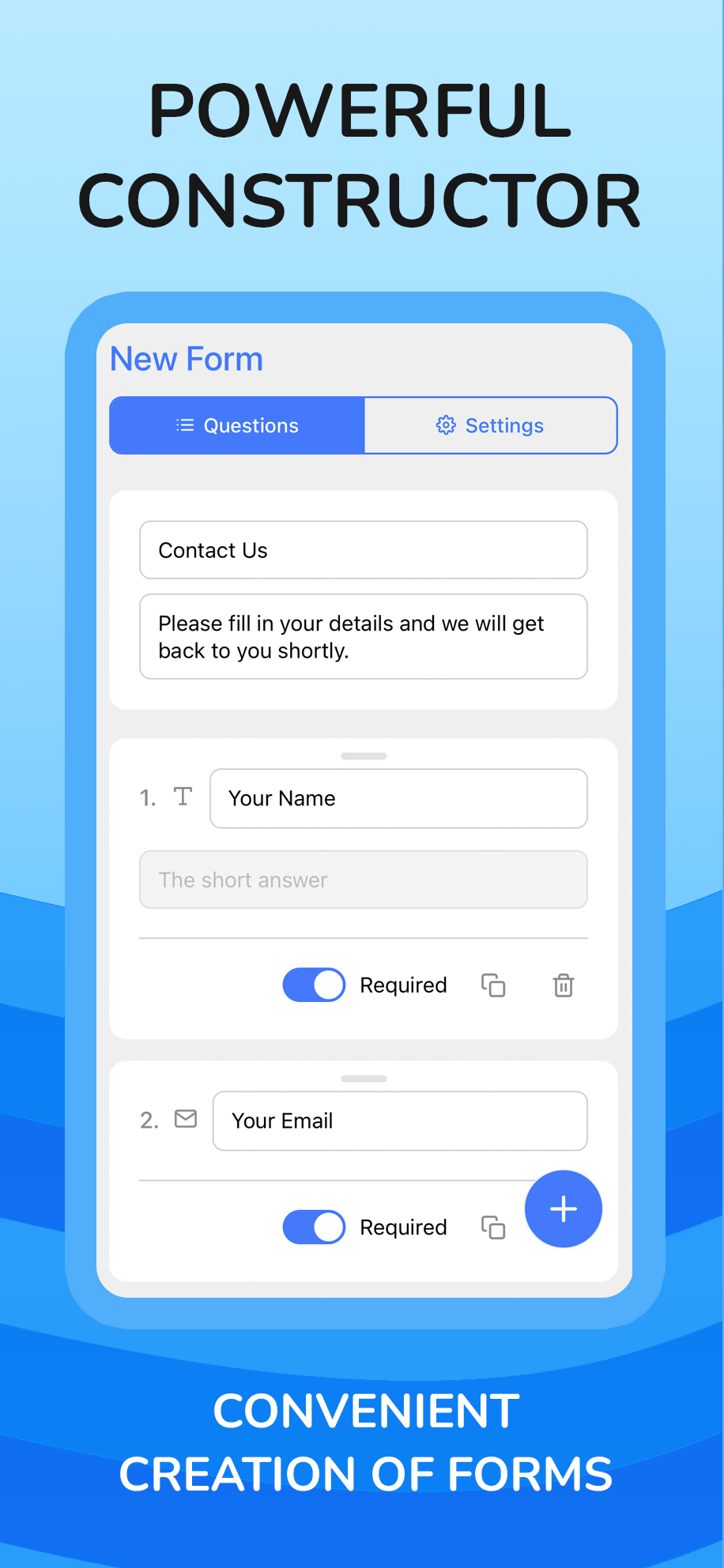
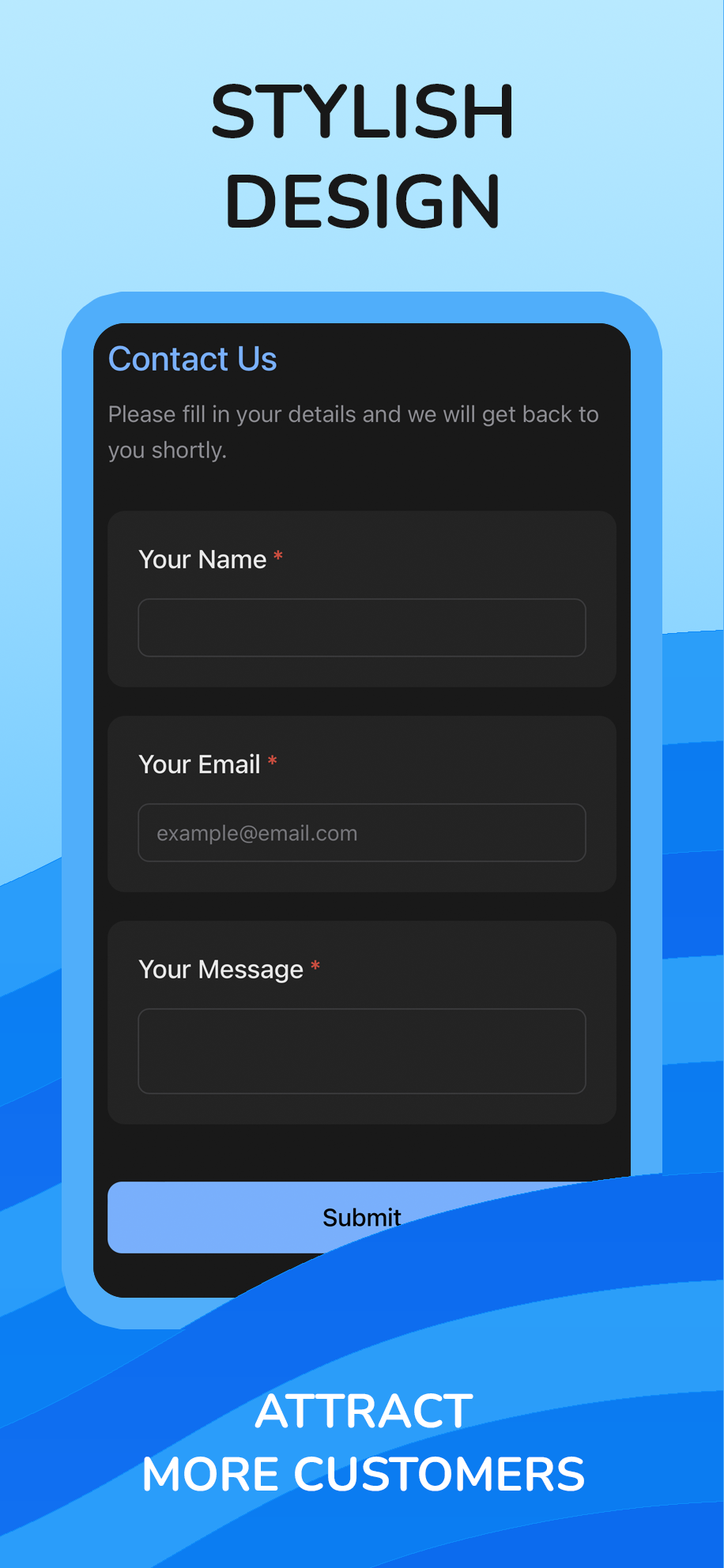
Quick Form 🚀 is your all-in-one tool for creating forms, polls, and surveys, fully integrated into Telegram. Stop juggling multiple services—now your entire data collection workflow can happen inside your favorite messenger.What do you get with Quick Form? ✍️ Powerful Builder: Create forms of any complexity in minutes. Use a drag-and-drop interface, over 12 advanced question types (including File Uploads, Ratings, and Phone), and customize logic and design. ✨ Template Library: Get started in seconds! You have access to a huge library of over 30 professionally designed templates for business, events, education, and personal needs. 📊 Smart Analytics: Don't just collect data—understand it. Get insightful statistics with beautiful charts, track form views, submission counts, and conversion rates in real time. 🔔 Instant Notifications: Receive alerts for every new submission directly to your Telegram or email, so you never miss a lead. 🔗 Seamless Sharing: Share your forms with direct deep links or QR codes that instantly open the app for your respondents, creating the most native experience possible. ⬇️ Data Export: Easily export all submission data to an .xlsx (Excel) file for further analysis.Quick Form is perfect for businesses, content creators, event organizers, and anyone who wants to gather information with ease and style

Bagikan:
Transisi ke bot: ( 34 )

Ratings & Reviews

2.50

2 reviews

Reviews can be left only by registered users. All reviews are moderated by admins.

5 stars

0

4 stars

0

3 stars

1

2 stars

1

1 stars

0


Quick Form - Form Constructor — Screenshot 1 Quick Form - Form Constructor — Screenshot 2 Quick Form - Form Constructor — Screenshot 3 Quick Form - Form Constructor — Screenshot 4

Cara Memulai

1

Buka Bot di Telegram

Klik tombol "Buka bot" di atas untuk membuka bot ini di aplikasi Telegram
2

Mulai Percakapan

Tekan perintah /start atau ketuk tombol Mulai untuk mulai berinteraksi
3

Jelajahi Fitur

Gunakan tombol menu atau ketik /help untuk menemukan semua perintah yang tersedia

Pertanyaan yang Sering Diajukan

Pertanyaan umum tentang bot Telegram

Bot Telegram adalah program otomatis yang menjalankan berbagai tugas di dalam aplikasi Telegram. Bot dapat mengirim pesan, menjawab pertanyaan, memproses perintah, mengotomatisasi alur kerja, dan menyediakan layanan seperti prakiraan cuaca, terjemahan, atau manajemen tugas.
Klik tombol "Buka Bot" di halaman ini, lalu kirim /start di chat dengan bot. Ikuti instruksi bot atau gunakan perintah yang tersedia di tombol menu. Sebagian besar bot mendukung perintah /help untuk melihat semua fitur.
Sebagian besar bot Telegram aman. Namun, hindari berbagi informasi pribadi sensitif, kata sandi, atau data pembayaran jika Anda tidak mempercayai pengembangnya. Periksa peringkat, ulasan, dan jumlah pengguna sebelum menggunakan.
Sebagian besar bot Telegram sepenuhnya gratis. Beberapa bot menawarkan fitur premium melalui langganan atau pembayaran satu kali, tetapi fungsi dasar biasanya gratis. Periksa deskripsi bot untuk informasi harga.
Bot adalah program interaktif yang merespons perintah dan mengotomatisasi tugas. Channel adalah platform siaran tempat admin menerbitkan konten. Anda berinteraksi dengan bot (dua arah), sedangkan channel menyediakan komunikasi satu arah.
Perintah bot dimulai dengan garis miring (/) seperti /start, /help, atau /settings. Ketik perintah dan kirimkan ke bot. Banyak bot juga memiliki tombol menu yang menampilkan perintah yang tersedia. Beberapa bot canggih memahami bahasa alami.